Video podcasts are becoming increasingly popular. And it makes sense: a podcast you can both listen to and watch adds a bit more flair. But how do you create a video podcast? What equipment do you need, and where’s the best place to record? We’re here to help.
What is a video podcast?
The name says it all: a video podcast is a podcast with video. You record the audio and film the conversation. This allows people to choose for themselves whether they want to listen or watch. A video podcast usually features several people in conversation with one another. For example, an interview with an expert or a round-table discussion about trends within a particular sector.
We can hear you thinking: what’s the difference between this and a television programme? After all, a video podcast can look just like a TV talk show. The main difference lies in how the programme is produced and distributed. A video podcast usually consists of a series of episodes that you can listen to and watch at any time. You can often find these episodes in a podcast app as well. This is handy for businesses, as it means you can use a podcast in various ways.
Why do companies choose to produce a video podcast?
A podcast requires a lot of preparation. And a video podcast even more so. Yet it can still be worth opting for this format. After all, listeners literally get to put a face to the voices they hear. And that shows the human side of your organisation. They see the people and their enthusiasm.
You can also use the footage in various ways. For example, you could post the episode on YouTube or create snippets for LinkedIn. This allows you to make the most of your content. But the biggest advantage of a video podcast is the choice – and you give that choice to the listener (or viewer, in this case). Some people like to watch an interview on YouTube, whilst others prefer to listen to it in the car.
What equipment do you need for a video podcast?
With a standard podcast, it’s mainly about good sound quality. Of course, you need good equipment for that. But with a video podcast, you also need to consider the visuals. And that requires more equipment.
Bear in mind the following equipment:
- Microphones: it’s still a podcast, after all. So good sound quality is essential. Everyone needs to be heard clearly.
- Cameras: you can start with just one camera, but having more cameras adds variety. And variety makes for a more enjoyable watch.
- Lighting: the right lighting ensures your guests look their best on camera. It also helps to avoid distracting shadows.
- Headphones: these allow you to check that the sound is coming through properly whilst recording.
- Recording and editing software: you need to record, film and edit the podcast. And, of course, you do that with the right software.
How do you record a video podcast?
There are a few important things to bear in mind when recording a video podcast. The set-up, for example. Or carrying out checks. We’ve set everything out for you.
Think about the set-up
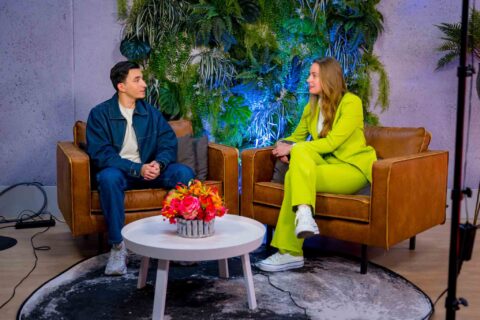
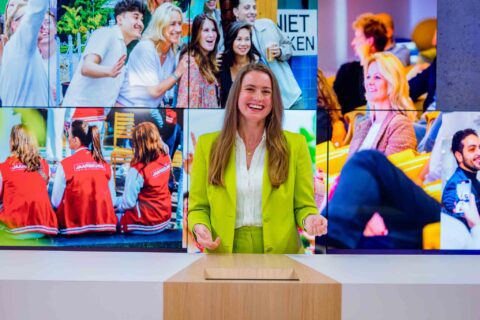
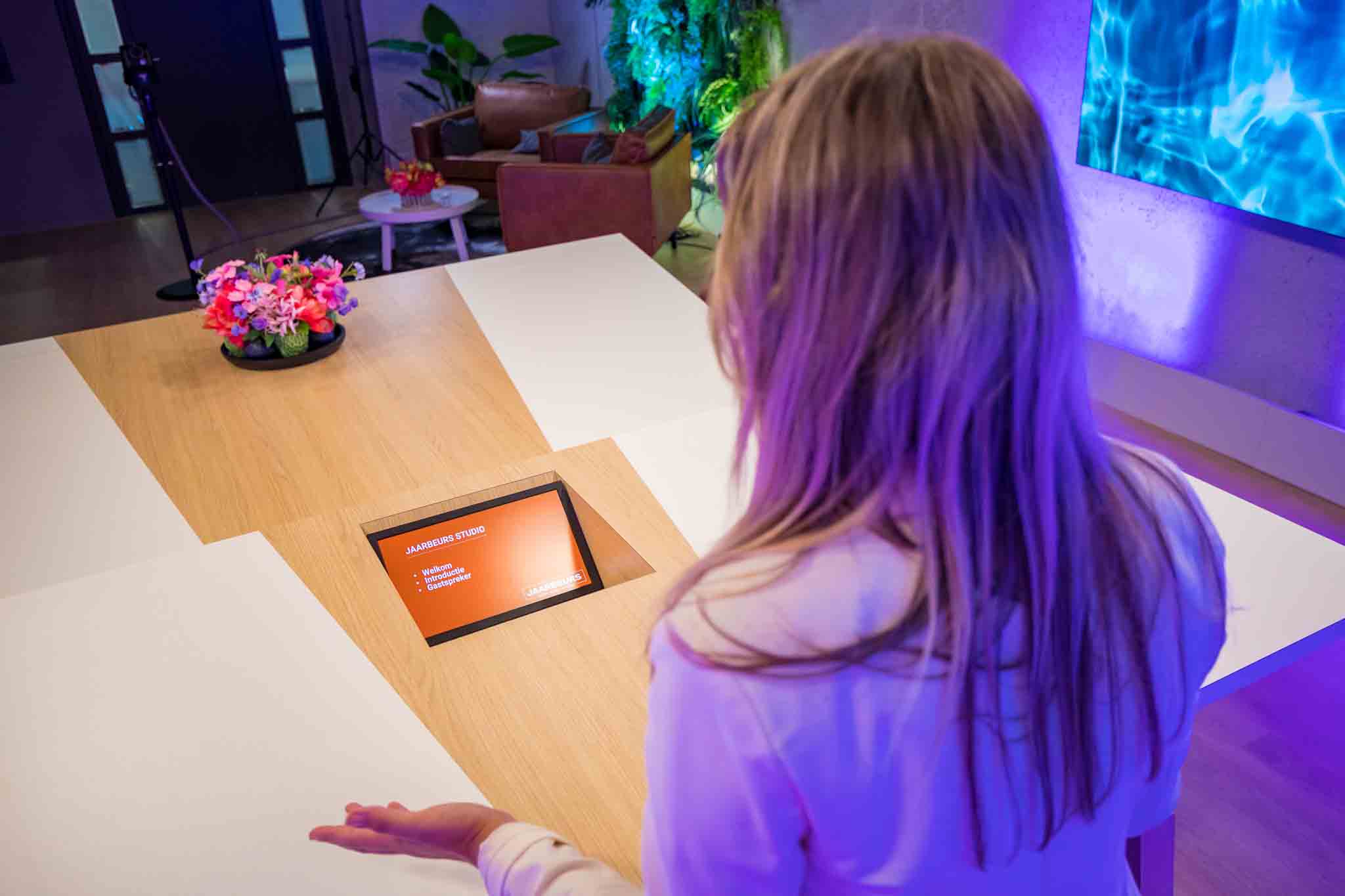
The right set-up is more important than you might think. For example, a conversation at a table creates a different impression to an interview in a relaxed seating area. You should also ensure that the look and feel matches your organisation’s image. Use your corporate colours or LED screens displaying your logo in the background. At Jaarbeurs Studio, we’ve already taken care of that for you. You can customise our studio to match your corporate identity.
Check the picture and sound
Always do a test recording. Are all the speakers clearly visible? Do the voices sound good? Can you hear any distracting background noise? And is the lighting set up properly? Also important: check that the sound and picture are in sync. That’ll save you a lot of editing work later on.
Prepare for the interview
Draw up a script with topics and questions, but don’t write everything out word for word. After all, you don’t want the presenter and guests to simply read out their lines. It needs to remain spontaneous.
Bear in mind the editing process
What are you going to do with the footage? Think about that. For example, do you want to create short clips for social media? If so, think about what sort of footage you want to use for that whilst you’re filming.
Recording on location or in a studio?
You can easily record a video podcast on location. For example, at the office, during an event or at a special venue that suits the topic. This way, you immediately give the viewer a sense of the surroundings. You can also use a green screen. This allows you to blur or change the background. But there are downsides too. You don’t always have control over the lighting and background noise. And it’s precisely these things that can really ruin a podcast. What’s more, you have to carry all the equipment with you at all times. That means setting everything up and taking it all down again.
In a professional studio, you don’t have to worry about any of that. At Jaarbeurs Studio in Utrecht, four 4K cameras and five wireless microphones are ready and waiting for you. You can choose from various set-ups, including a talk show table and a seating area for two people. What’s more, you don’t need to worry about the technical side of things – we’ll take care of that. If you hire our studio, our experienced technicians are included.
Would you like to know which recording location suits you best? Read also: Recording a podcast: at home or in a studio?
Publishing a video podcast on YouTube and social media
Many companies publish their video podcasts on YouTube. It’s a good platform for reaching new viewers, and you can post both long and short videos. Please note: Give each episode a clear title and description so that viewers know what to expect.
Social media is perfect for sharing snippets. For example, on LinkedIn or Instagram. Bear in mind the format: a horizontal video is more suitable for YouTube. But for Reels and Shorts, it’s usually better to opt for a vertical format.
Common mistakes in video podcasts
It’s all too easy to make a mistake. Often it’s no big deal, but sometimes it can be hugely disruptive. Or it can lead to significant extra costs. So make sure you don’t make these mistakes!
- Focusing solely on the visuals
Of course, you want everything to look polished. But if the sound is poor, people will still tune out. So make sure the audio quality is just as good. - Cluttered background (noises)
A pile of boxes or cables lying about on the floor. And then a colleague walks right through the frame. Or worse still: a phone ringing. It’s all distracting. Take a good look and listen carefully to what you can see and hear in the background. - Poor lighting
Not enough light results in dark images. Light that is too bright can make the speaker difficult to see. Tip: test your lighting beforehand. - Not taking different channels into account
Do you want to edit your footage into short videos for social media later on? If so, make sure your footage is suitable for this. Otherwise, you’ll find during editing that important parts are cut out of the frame. - Trying to direct too much
A script is useful, but you don’t want it to turn into a play. Above all, let the guests talk to each other. And sometimes an unexpected twist can actually be very good for the story.
Recording a video podcast at Jaarbeurs
A video podcast is a great way to raise your organisation’s profile. Want to get it right from the start? At Jaarbeurs Studio in Utrecht, we have the equipment, a range of settings and in-house technicians to ensure your video podcast is a success. And we’re just a few minutes’ walk from Utrecht Central Station! Curious about the possibilities? We’re here for you! Get in touch to find out more about our Studio.